Anyone use an ultrawide display with Boundless?

5120 x 1440
If you could reply to this help request, that would be awesome https://steamcommunity.com/app/324510/discussions/5/3430075523250112829/

I’m not sure what to suggest besides maybe splitting the screen, to make it look better for them. (Mine only goes up to 3140 x 2160).

2 Likes

dont know if this trick still work but try setting it to prejector

2 Likes

I can’t post on steam forums I’m not set up for it.

If they’re at the default field of view it will cause this.

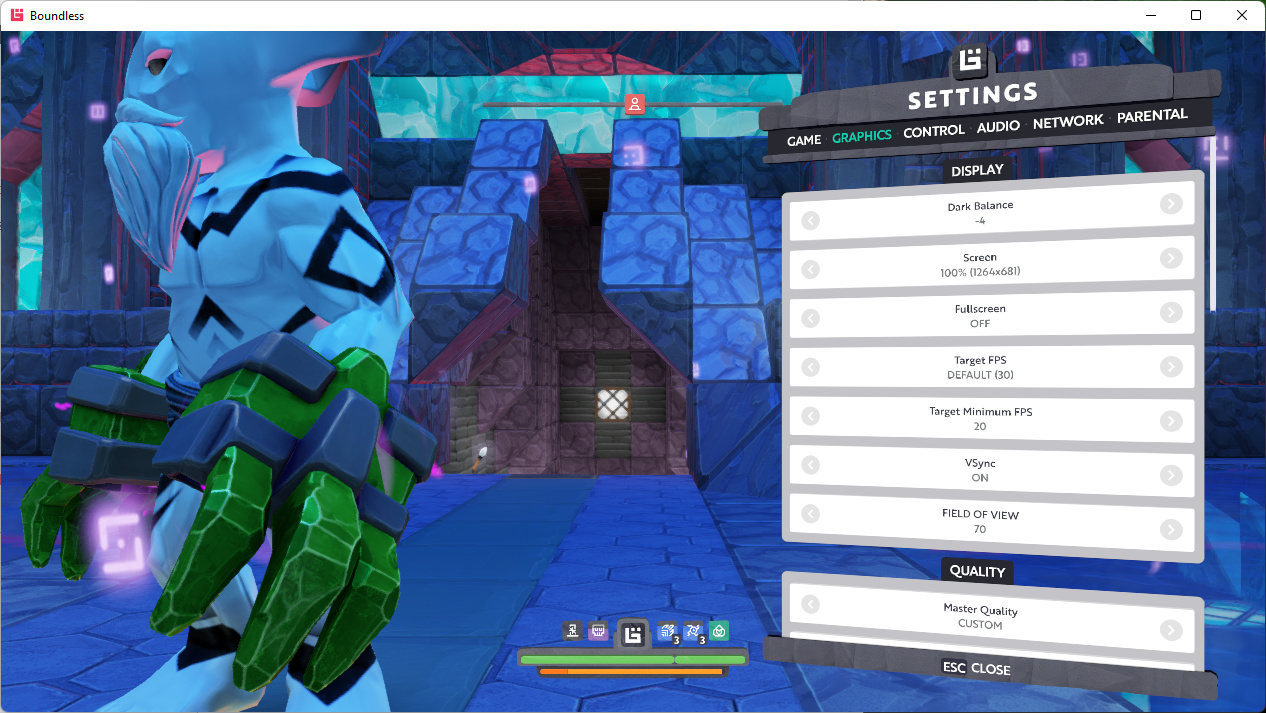
In a normal aspect ratio, if I trim it to 70 degrees it’s cutting off my head.

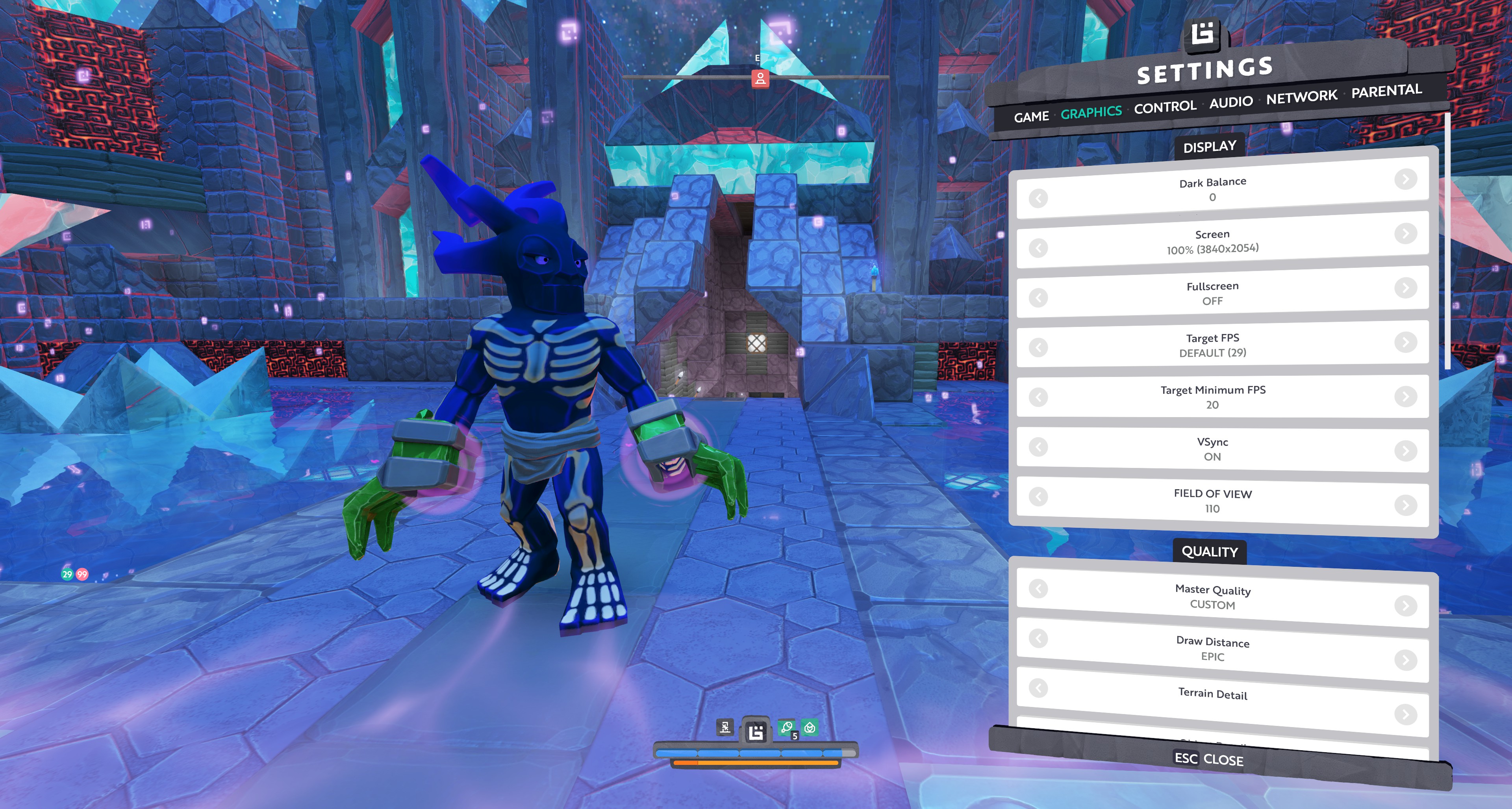
The largest I can set with the default windowed resolution is 110 degrees:

I’m not sure if their resolution will offer additional settings but I would start there.

2 Likes

Aha!

Yes, I see in the forums there someone is talking about the json files, and that’s one of the things that can be adjusted there if not done in game like this.

Would be interesting to find the resolution json setting, as that combined with the FOV might just wing it.

Here is what I have going on. I play on a 40" 4k TV and don’t have it maxed out all the way.

1 Like

Wish they gave us a ps5 graphics update - still stuck using the old PS4 game build settings grrrr

2 Likes

Kinda weird they never tested on ultra wide
Those have been around

Someone posted a solution. I havent tried it on my ultra wide 3440x1440 yet, but wil do so after my holiday. I’m sharing it here for others to find, that are not browsing the Steam discussions.

Update in case anyone else runs into this. Making these changes to the json files seems to have fixed the problem.
Source

steamapps\common\Boundless\assets\archetypes\camerasettings.json
"firstPersonFOV": 130, "firstPersonMaxAspectRatio": 3.55555555556,

steamapps\common\Boundless\assets\gui\layouts\common\layouts.json
"gameCameraFov": 130,

1 Like