I haven’t been playing nearly as much as I have been over the past few months due to working on some side projects in regard to Boundless. I created a little site that has some various stats and tools and its very much still a “Work in Progress”, but it’s got some useful tools and statistics so hopefully someone finds it useful.
There are a few things I’d like to add to it in the future, mostly colors for worlds, as the only way I can really do that now is how Boundlexx did it with a “man in the middle” program, but that is very insecure and isn’t something I want to introduce. I’m hoping @jon-eric can expose those colors in future.
Here is a list of what I have so far:
Player Statistics
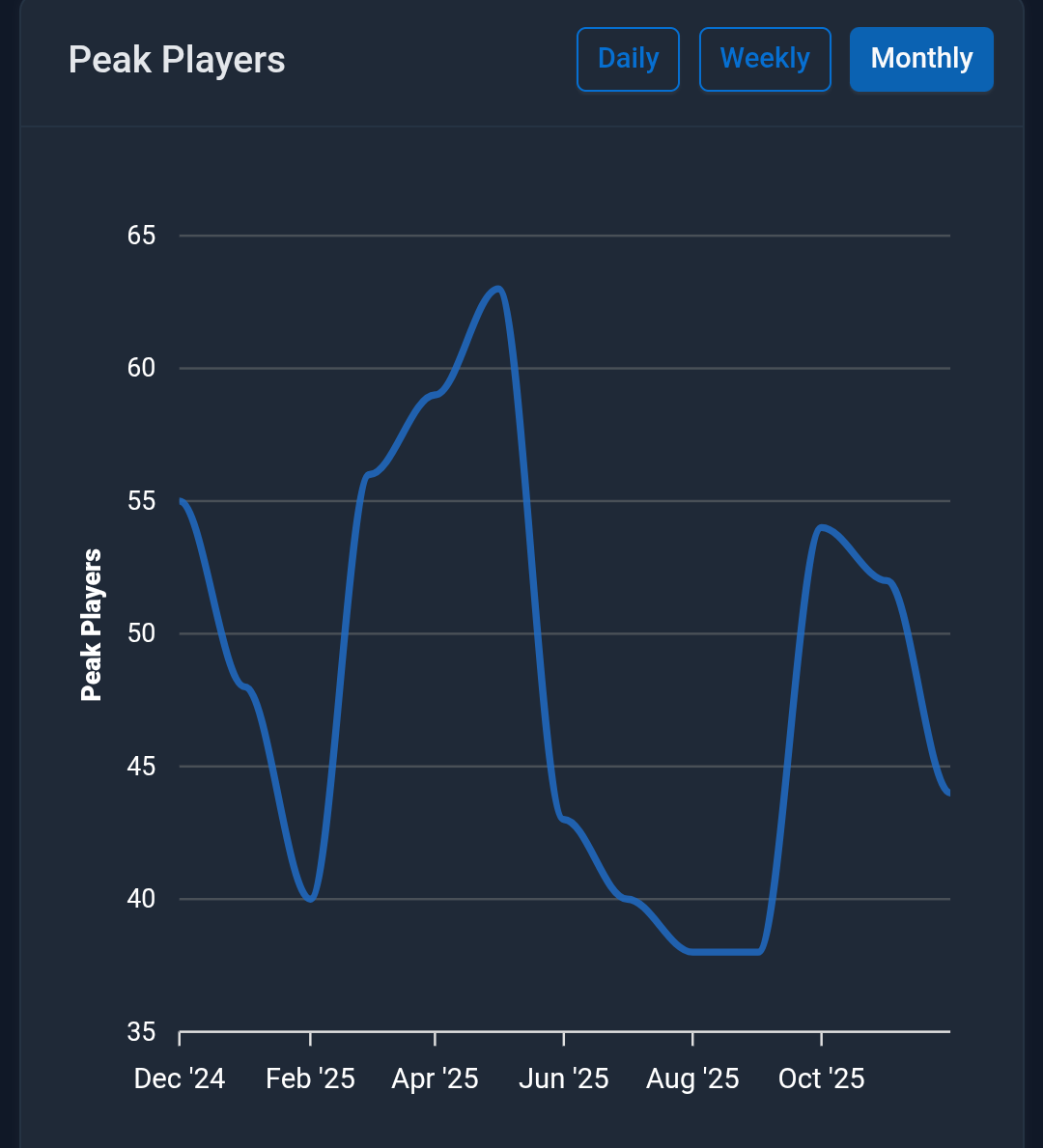
Peak Player counts
Steam and PS player counts (WIP and not perfect yet)
Search for a specific resource and its availability
Shows resources based on highest per chunk
Trade Tracker - WIP
Search by item and/or price being bought or sold
Shows all items in a shop - WIP
Recipes
All recipes in the game
Ingredients list and where to buy the items
Cost to make if you were to buy all items to craft
Where to buy each ingredient
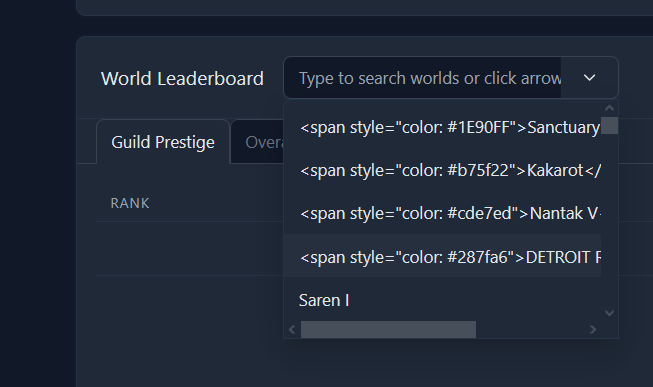
Prestige
Top 10 Overall
Top 5 per planet
Goo Calculator - WIP
See the goo mutation paths and distances
Server Status - WIP
Shows statues for login server, discovery server and each of the 4 regions.
Much of this is still a work in progress as I’m still nailing down some statistics and their accuracy and also working out some bugs, but it’s to a point I wanted to share.
If you can think of anything useful you’d like to see added or tweaked let me know.
I agree and its one of the reasons I track players to see if something actually causes a jump in players.
What’s crazy is Boundless is better than many games like it that have been recently released, but many people look at the player population and see 25-75 players online and then just go elsewhere and on top of that they see there are no updates to the game and just say it’s a dead game.
I’d say it’s better than Cubic Odessey, Palia and several other games that were recently released, but the lack of current players, the pretty heavy grind to get to where you can build fairly freely, no advertising, and the lack of an active dev team really makes it unappealing on the outside. But, it doesn’t mean the game is dead, that the game doesn’t have an active community or that the game isn’t fun.
EDIT: I still stick by what I have always said, everyone that is on these forms loved the game at some point and it’s still that same game they all loved all they have to do is login and come play again.
It would be nice if one could select only a colour and get all the available blocks (the reverse of the block name selection basically) - also bug related to that: If you select a block and a colour, search, and then remove the block and search again, it looks like the block name is staying selected
It would also be nice if you could select a block type after selecting the colour to further narrow the search result without the colour selection going bye bye
Nitpicky: The search button is so old school - you could just search whenever you have a selection
You can’t read the search result count in the top right corner
Can we get rid of the silly “no text select” pls?
PS: Why does DarthPain not have his guild RTG showing in the prestige view?
Precisely why I posted all this here to get some bug reports and some things.people.would like to see.
In world colors, you “should” be able to just select a block and get the list of available colors for that block, if not then something may have broke.
Narrowing down the search is on the to do list. The search result count is also on the list it’s just a css text color issue.
Agree with the search button, I’ll consider removing it. I assume you meant the little pop-up window "no-text select, also on the list always hated those and it was mostly for something I was testing.
I’ll check on the prestige.
World colors was just added and to be honest not tested fully,.appreciate you finding and mentioning issues.
v2.1.5 - December 12, 2025
• Fixed: World colors search functionality for color-only queries
• Fixed: Navigation active state for world colors page (now shows Worlds dropdown as active)
• Fixed: JSON search queries to properly handle numeric color IDs
• Improved: Combined color name and preview into single column with color swatch
• Improved: Alphabetical sorting for block names and color names in dropdowns
• Improved: Auto-search functionality when clearing individual selections
• Improved: Removed debug console logging for cleaner server output
• Improved: Changed “Color ID” label to “Color” for better user experience
v2.1.6
• Fixed: World-colors block names now display proper English names (eng_name) instead of internal identifiers
• Added: Clear button to world-colors page for resetting search filters
• Fixed: Exoplanet classification in planets table - now correctly identifies exoplanets from list-exoservers API
• Fixed: Exoplanet active status to only show currently spawned exoplanets (not upcoming or expired)
• Improved: World sync logic to properly handle exoplanet lifecycle states
It’s an interesting question and I had asked myself this a number of times and even checked the data. My biggest guess on this is that the main beacon isn’t aligned to a guild, I’m not 100% positive on this, but looking at the actual data being pulled from the beacon it’s definitely not showing a guild.