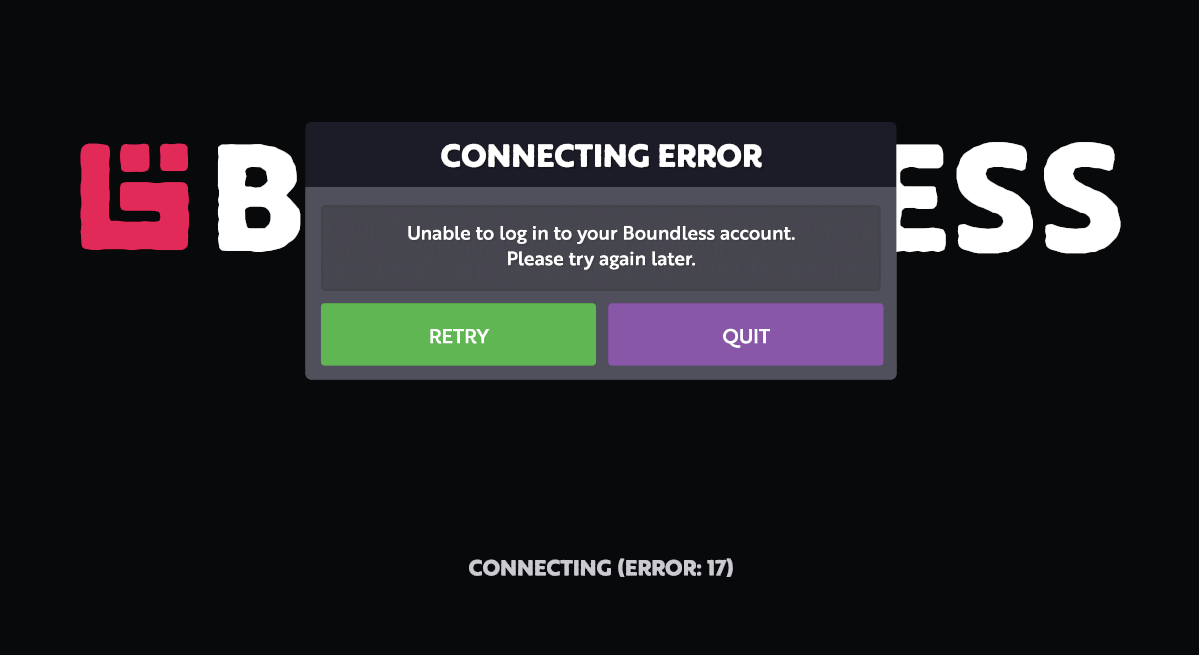
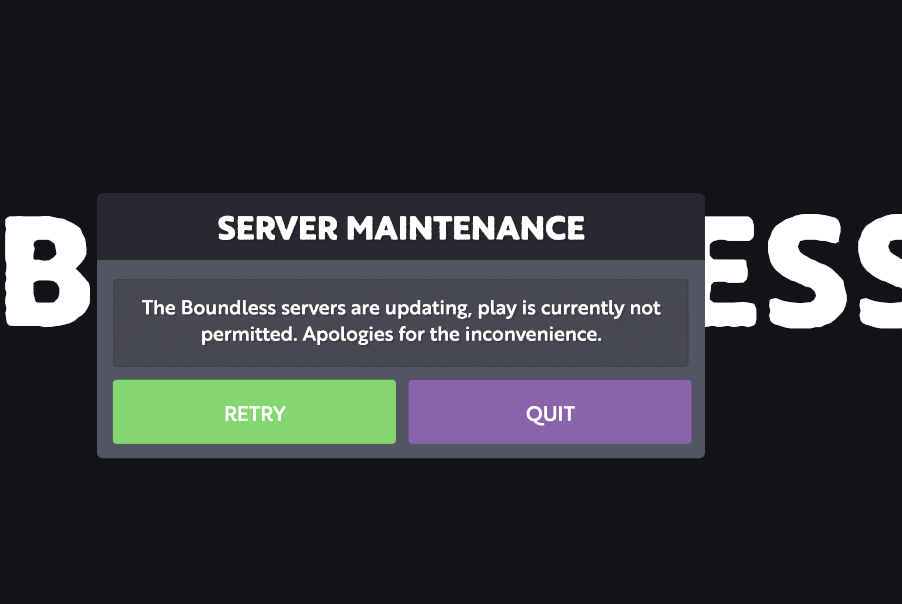
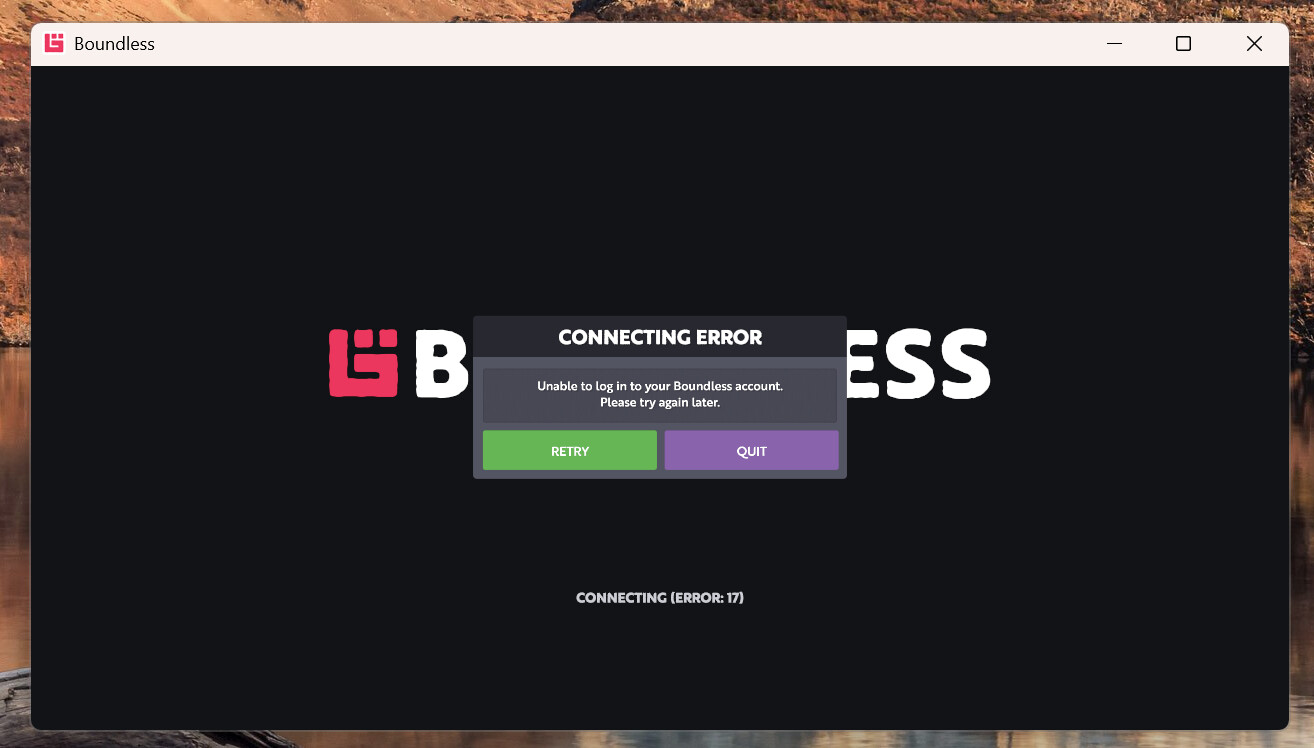
Did the usual fixes, restarted the game, restarted steam, still getting Error 17 message. Looks like the servers might be down or out of sync on something?
Downdetector is saying AWS is looking stable.
At least four other friends across EU, West Coast, and East Coast are experiencing the same message, so it doesn’t look like its any localized network issue, but something specific to Boundless.
And my friend on PlayStation has the same thing you have. I am still in the game just fine. So I am afraid to hop off or wonder how long it will let me play…
Its looking like its an issue with the login server that approves connections. Once you are connected it passes you off to the other servers. If its down though, no one’s getting past it.
Boundless Login Failure – Error 17 (Technical Breakdown for Devs)
Multiple players are currently unable to log in or switch characters due to Error 17. This is not a client‑side issue. Below is the technical behavior observed from Resource Monitor that points to a backend service failure.
Summary of the Issue
• Players are being kicked when switching characters.
• Players who log out cannot log back in.
• Error 17 appears immediately after the login attempt.
• This is happening to multiple players across regions at the same time.
Observed Client Behavior
Using Windows Resource Monitor:
• successfully opens a TCP connection to an AWS IP on port 443.
• Latency is normal (30–40ms).
• No packet loss.
• The connection establishes normally, but the game still returns Error 17.
• No additional connections are opened to character/world services.
This means the client is reaching the AWS load balancer, but the backend service behind it is not completing the authentication handshake.
What This Indicates (Backend-Level)
Based on the connection behavior:
Most likely failing service: Authentication microservice
• The server accepts the TCP connection.
• The authentication service does not validate the token or return a response.
• The client times out and throws Error 17.
Other possible failing components
• Gateway / session refresh service
(Character switching forces a token refresh, which is when players first got kicked.)
• Character‑data service
(If auth succeeds but character metadata fails to load.)
• AWS load balancer routing to a dead backend node
(If all players are hitting the same unresponsive instance.)
Why This Is Not a Client Issue
• DNS resolves correctly.
• Firewall is not blocking anything.
• Steam authentication is working.
• The TCP connection to AWS succeeds.
• Multiple players are affected simultaneously.
The failure occurs after the connection is established, which only happens when the backend service is down or unresponsive.
What Likely Needs Dev Attention
• Restart or redeploy the authentication service container.
• Restart the gateway/session service.
• Check AWS ELB health checks for failing backend nodes.
• Verify SSL certificates for the auth endpoint.
• Check for desync between auth and character‑data services.
Additional Notes
Players who were already logged in were kicked specifically when switching characters, which strongly suggests a token refresh failure on the backend.
 it’s sad cuz I was trying to have rock fest
