Got inlogged both here and in game now 
2 Likes
I am in thank you
1 Like
This happens yearly so there is some deeper issue… at least it feels like it does. Usually cleares up pretty fast but this time it took a lot longer.
This error is back
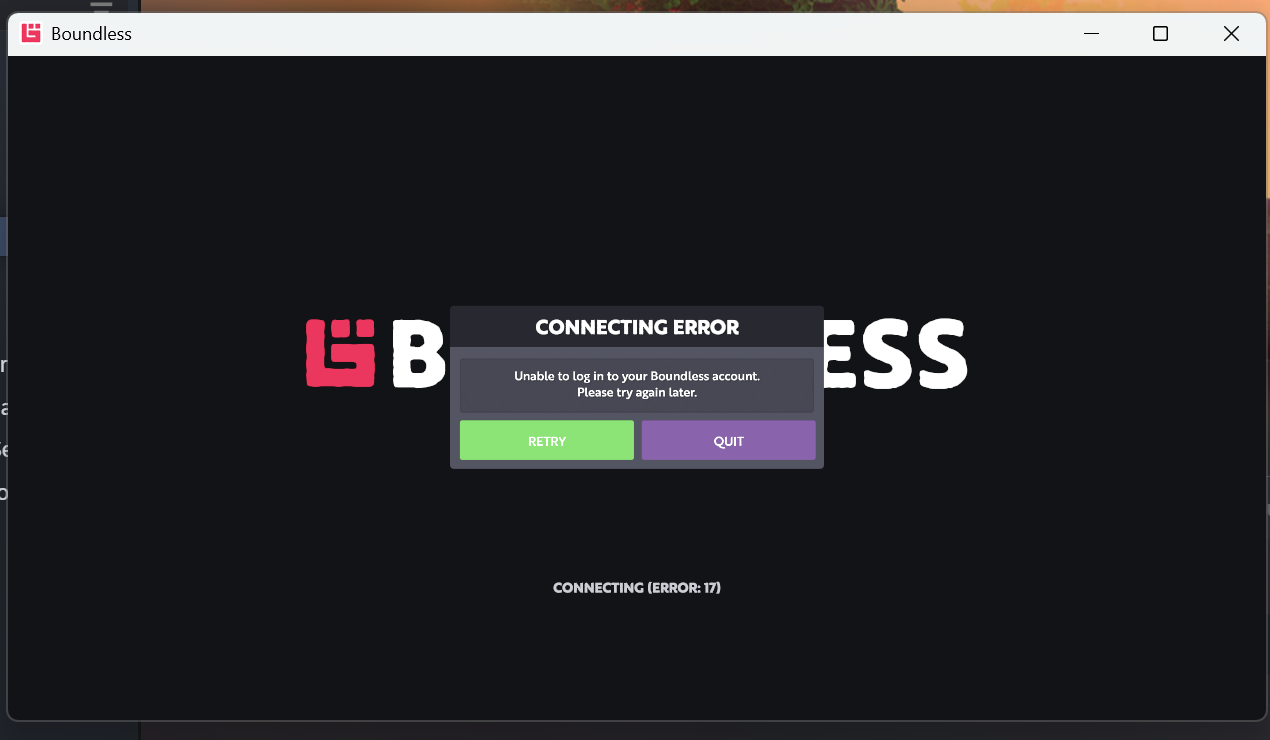
@jon-eric I promise I was able to get in this morning, and updated guild buffs but now after work it’s broken again.
1 Like
I was able to play for a couple hours on PC. Got kicked from the game and went to go reload and its back.
1 Like
Was able to connect 4 or so hrs ago and now I am also experiencing the same Error 17 issue again.. @jon-eric
4 Likes
I feel I have some understanding of drug addiction, now. There’s no game scratches the Boundless itch like Boundless does.
7 Likes
Tried logging into boundless again it says unable to log into your boundless account.lets hope noones beacon is dying because they cant get in game to fuel it.I thought it would be fixed by now?
3 Likes
considering it’s the middle of the night in US, we will have to wait at least 4-5 hours before @jon-eric is on it
2 Likes
Boundless still Broken 
Jon Eric can you give us the hour to log in with temp fix and go back to finding that root of the problem 
Listening to Boundless soundtrack as I wait patiently
5 Likes
Bedroc joins BabyCookie listening to Boundless soundtrack while waiting patiently (going though withdrawals)
6 Likes
It appears to be a failure in the authentication subsystem—most likely a microservice stuck in a crash‑loop, an expired token‑signing key, or an expired TLS certificate. Any of these would cause global login failures while allowing already‑connected players to remain in the world. The issue may appear “fixed” temporarily after a service restart, only to recur a few hours later when the underlying fault triggers again.
1) Verify whether the Login Server is running correctly
“The first thing to check is whether the Login Server is actually running and staying stable. If the Login Server crashes or restarts, nobody can authenticate, but players who are already inside the game remain connected because they don’t need to re‑authenticate.”
What to check:
- Uptime
- Crash logs
- Memory or CPU spikes
- Restart loops
2) Confirm the Login Server can generate new session tokens
“The Login Server must generate new session tokens for every login attempt. If the token‑generation system is broken, expired, or misconfigured, no new players can enter, but existing players continue playing because they already have valid tokens.”
What to check:
- Token signing keys
- Token expiration settings
- Token validation errors
- Key rotation schedule
3) Check whether the Login Server’s security certificate is expired
“The Login Server uses a TLS/SSL certificate to prove its identity. If that certificate expires, new clients cannot establish a secure connection, but existing players remain unaffected because they already completed the handshake earlier.”
What to check:
- Certificate expiration date
- Certificate renewal logs
- Certificate chain validity
4) Ensure the Login Server can communicate with the account and entitlement databases
“The Login Server must talk to the account database and entitlement database to verify ownership and load character data. If the Login Server cannot reach these databases, authentication fails globally.”
What to check:
- Database connection errors
- Timeouts
- Replica set failovers
- Connection pool exhaustion
5) Verify that Steam’s ownership‑verification API is responding
“The Login Server checks with Steam to confirm that the player owns Boundless. If Steam’s entitlement API is failing or timing out, login attempts will fail even though the game servers themselves are fine.”
What to check:
- Steam API response codes
- Rate limits
- Timeout logs
6) After fixing the underlying issue, restart the Login Server cleanly
“Once the root cause is fixed, the Login Server should be restarted to clear out any corrupted states, expired keys, or stuck connections.”
What to check:
- Clean startup
- Successful token generation
- Successful database connections
7) Monitor login attempts for at least 24 hours
“To confirm the issue is permanently resolved, monitor login success rates, token creation, and database connectivity for a full day. If the Login Server stays stable and no new Error 17 reports appear, the fix is confirmed.”
What to check:
- Login success rate
- Token issuance logs
- Database connection stability
- Steam entitlement responses
4 Likes
The quickest fix is to restart the Login Server and its supporting services – the token-signing service, the certificate handler, and the database connector – then restart the Login Server again so it comes up clean. This usually restores global logins immediately.
7 Likes
6 Likes
As stated I cant login to the game, it says Error: 17, someone on reddit experiencing the same since last night.
1 Like
Sorry for extra thread, for some reason the forum did not show this post even after refreshing the forum.
Yeah… I’m hoping @jon-eric is working on it. Still getting the error.
for the last 9 months I’ve been playing scarcely for health/family health/mental health reasons.. and I officially told myself I must play Boundless last Friday, for my own mental and emotional health I need this game AND purchased a copy for my daughter in law.. but alas, it doesn’t want us to play.
Please.. oh please.. be fixed soon… 
2 Likes
Only thinking out loud is Today @jon-eric “Day Off” at work he’s been really Good at Communicating up til yesterday But today it’s been really Quiet 
but I also do hope he is Working the Problem 
3 Likes
Sorry, I wired up a new alarm to alert me, tested it, and then it didn’t work.
I’m working on getting it fixed.
6 Likes
He could be battling it right now. Pay per view: Jon VS the Spaghetti Code, a battle to be remembered by all Oortian kind!
Just checked at 4:25 PM EST (~10 minutes or so ago) and it was still down.
3 Likes