Not sure about this one without it in front of me.
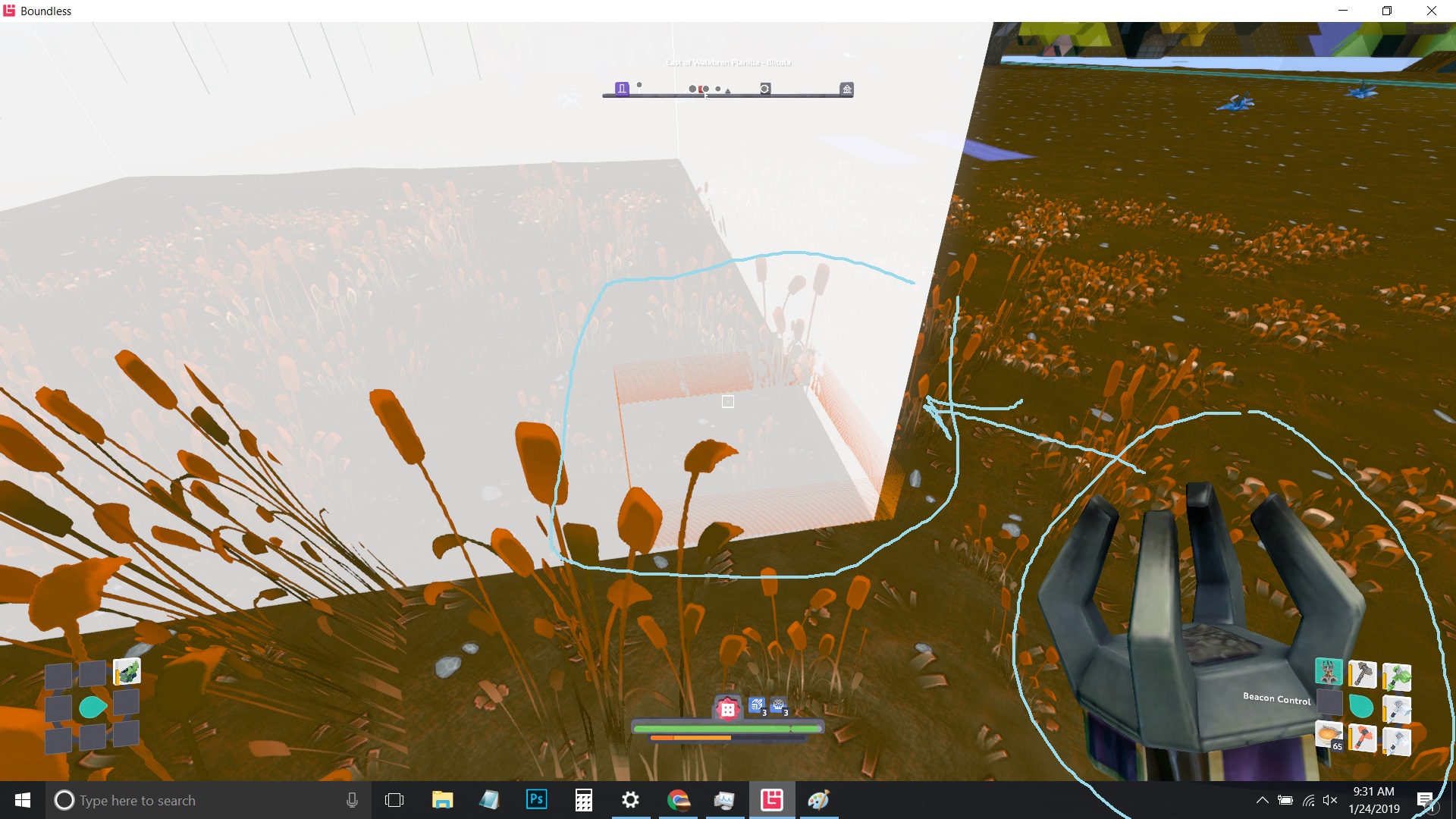
Your “beacon” is the entire area you have claimed with that beacon. So, if you havn’t added any new plots yet, they mean “within that plot”. If you have more than one plot connected, it can be anywhere in the area you have claimed.
And ask all the questions you want!!! We like questions.
Make a campfire & place it. Make a crafting table and place it within your beacon area. Then craft a beacon & beacon fuel. Place the beacon, put the fuel in it. Then place your blocks. You will probably want to rip up all of these items and take them with you when you are done.
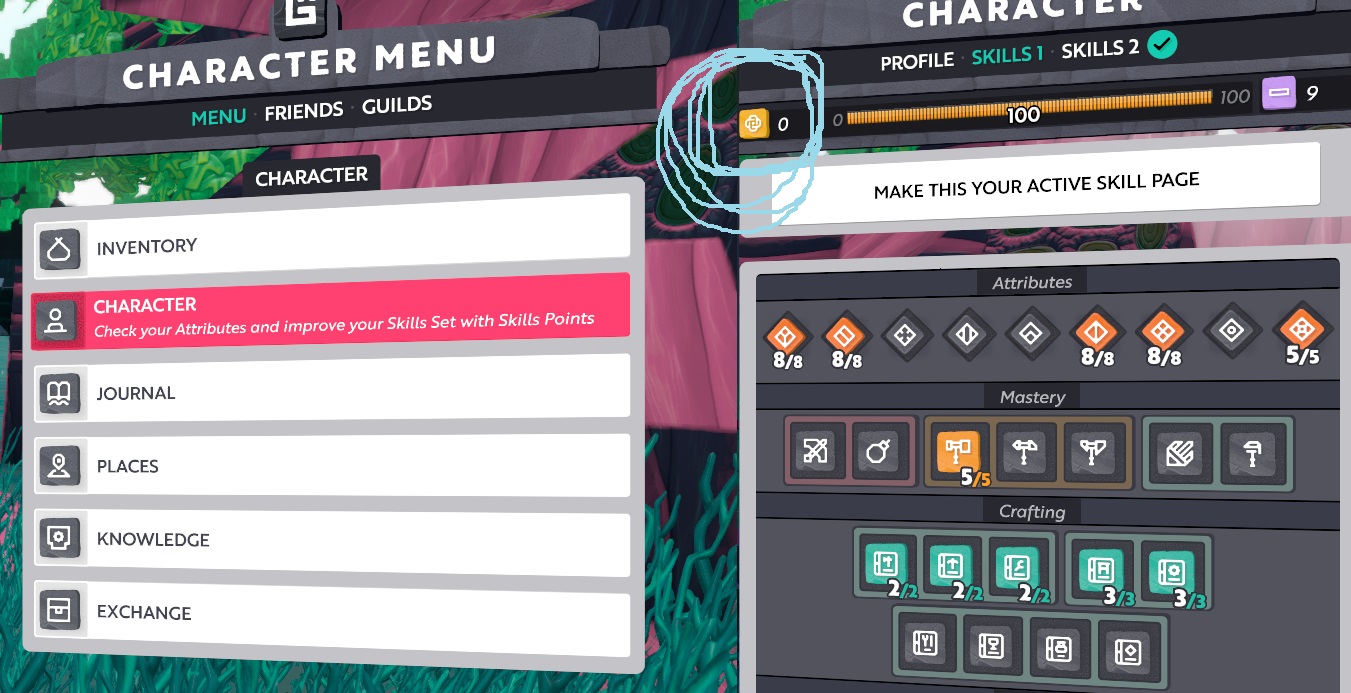
To complement Vex’s answer, the gold icon is the number you can use to increase skills, and the purple is the number of skills that you can ‘unlearn’ to reuse the points (right click on the PC, not sure on PS4)
Until level 20, doing that will not consume any of the purple points (called cleanse points) so you can experiment with all the skills and see what you want to focus on before that level.
It costs 1 cleanse point to unlearn a level of any skill after that, even skills that cost 5 of the ‘gold’ skill points to increase.
You can only use a maximum of 100 skill (gold) points per skill page. That’s the gold progress bar in between the purple and gold icons.
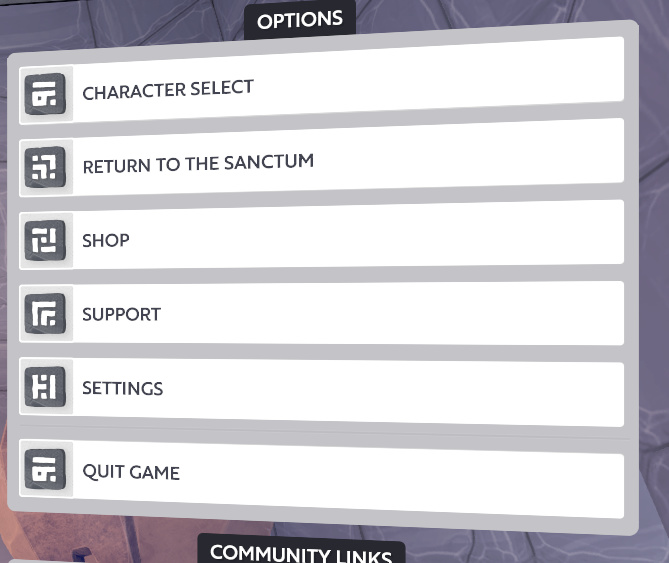
Apparently not. I’ve seen new PC players get confused about it because the two menus look so similar, so I figured that might have been the issue.
Something similar also happened to a veteran player that’s a friend of mine but in that case it was the shop button that had vanished (in that situation there was a parental control to hide it that was apparently switched on by mistake)
The words Beacon and Plot get used in confusing ways.
Strictly speaking the device you place is a Beacon Control. A Beacon is 1 or more Plots which you start when placing a Beacon Control.
So you could have a 4x4 Beacon which would have 16 Plots. It would have started when you placed a Beacon Control and used a Beacon Plotter to extend it.
That first Beacon Control would, by default, be the Master Beacon Control. If you place another Beacon Control in the Beacon, you can make it the new Master Beacon Control, then break the old one. There’s a Journal Objective for this.
Edit: Plots used is shown in your Inventory alongside Coin - e.g. 18/31 Land Plots