Just playing with the “test” build.
Made a few storage boxes and some shelves, placed them behind a locked door, and loaded them up with the content of my inventory and hotbar. Then I left the game for a few hours.
Upon my return I messed up and right-clicked on the storage box (instead of “e” to access), and the storage was broken. I was able to pick it up, and replace it, but it showed no content, and when “e” was pressed again to access the screen does this weird glitchy twitch think I cannot get out of until I press “e” again.
So in addition to breaking a full container causing all the items to be lost, but it appears that trying to access that storage after it has been replaced causes screen glitches.
1 Like
Ok. the “glitches” appear to be due to a repeating pattern of:
- pull up the empty storage inventory
- do the change perspective switch
- then close empty inventory, and
- go back to original perspective…
and repeat endlessly until “e” is once again pressed to close the storage.
I didn’t realize exactly what was happening until I tried to capture the "glitch with a screenshot.
Sequence below:
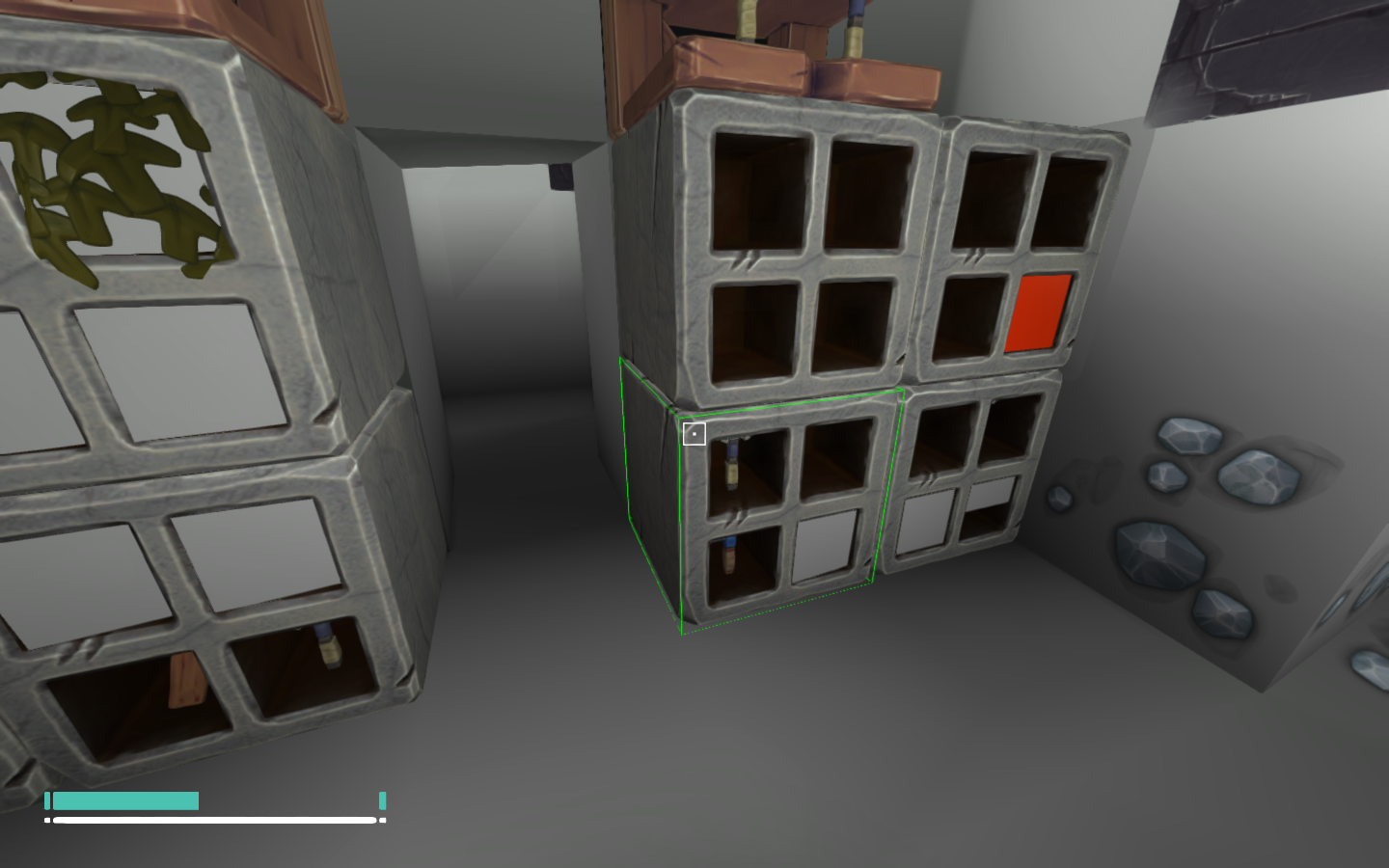
1: shot of the replaced storage box with others.
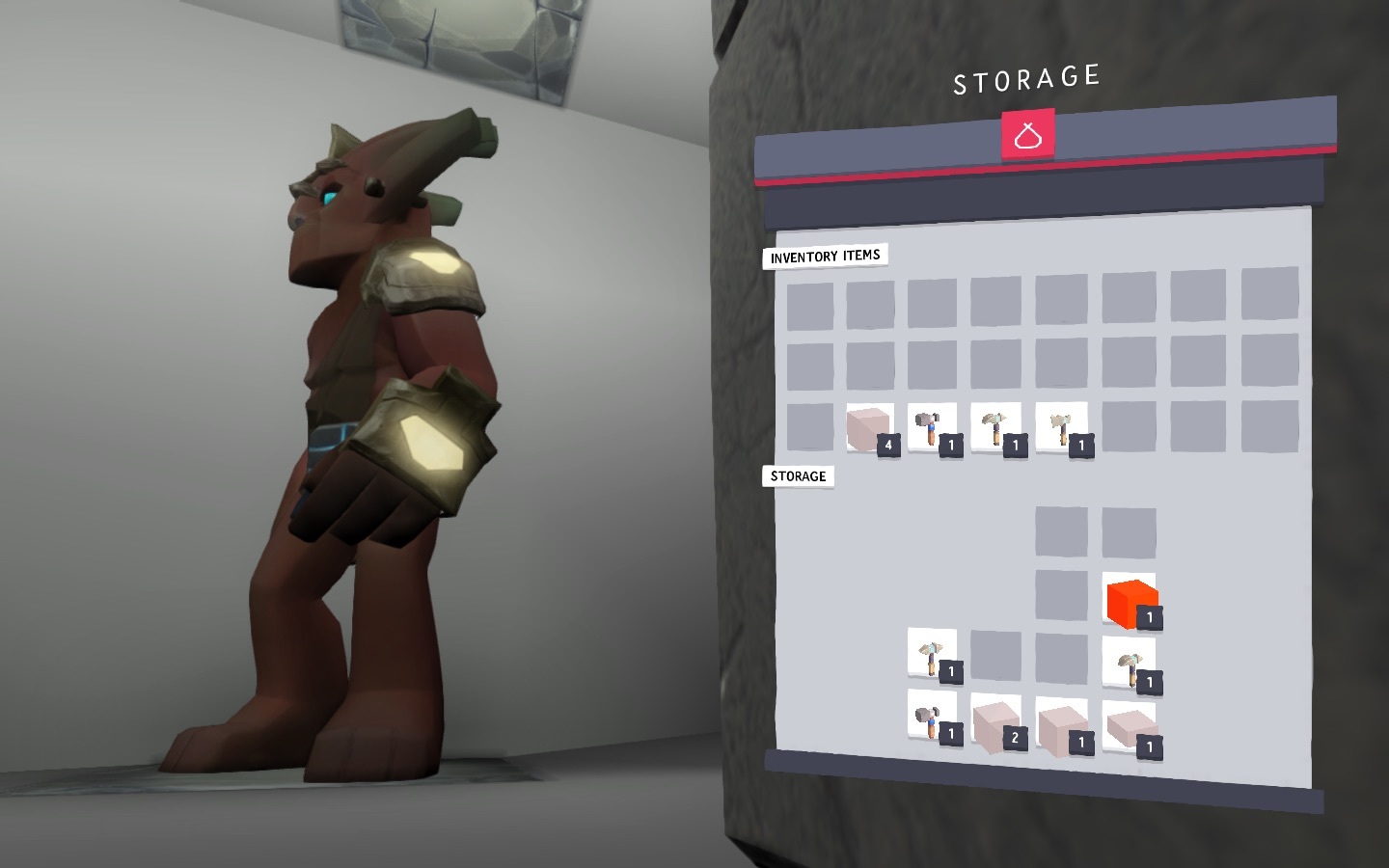
2: “overlapping” inventory form box below (Note it looks like there is no box above).
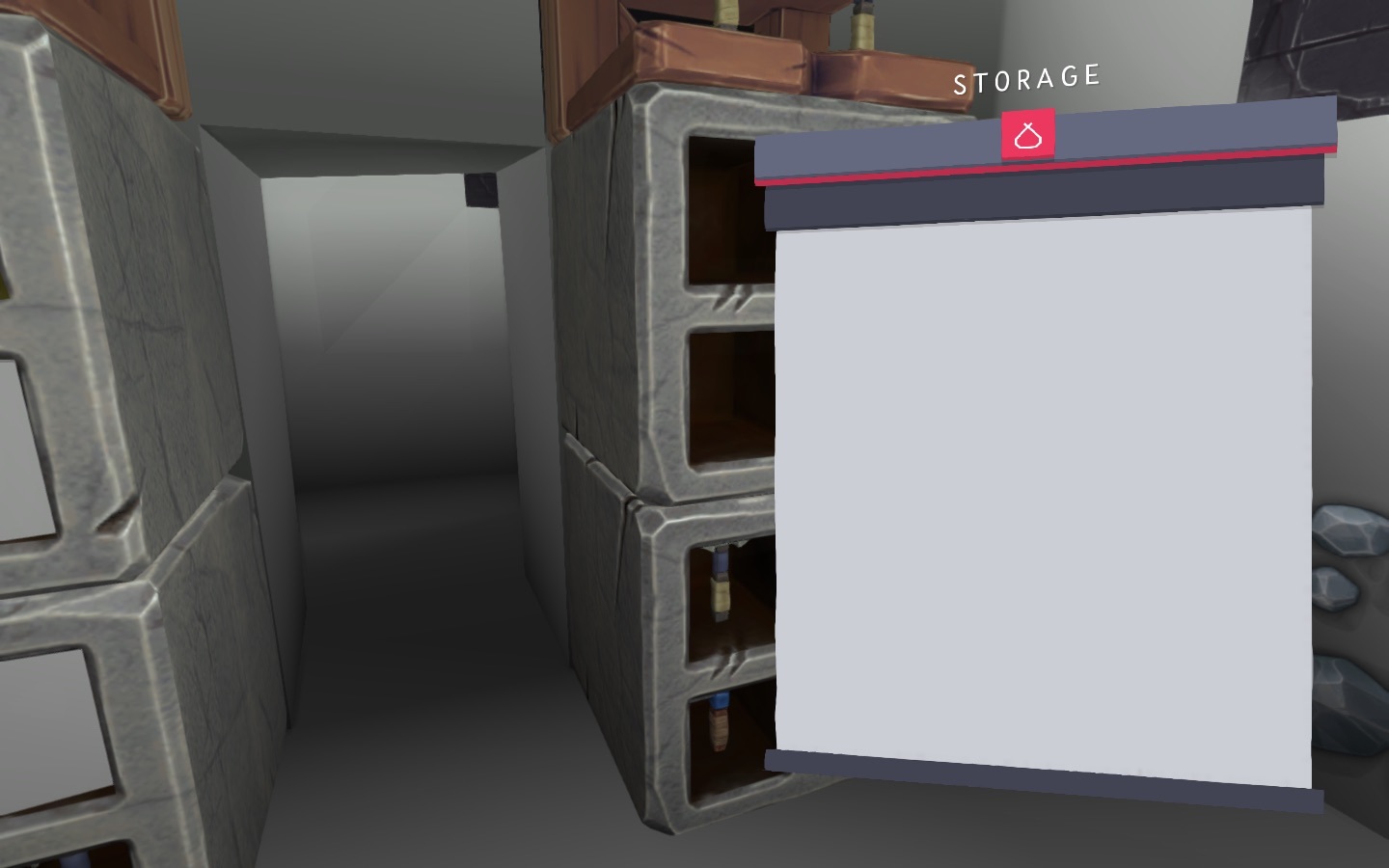
- attempt to capture the “glitch” clearly showing the empty storage “dialog”
Ignore the lack of colours, as that is the result of another reported issue probably due to Intel HD video not properly displaying the textures.
1 Like
When you said that you did the change perspective switch, was that done after you opened the Storage menu? Because you can’t change the camera perspective when the menu is opened. Unless you meant that you changed camera perspective outside of the menus.
Sorry. I guess my “shorthand” wasn’t clear.
The “change of perspective” I was referring to wasn’t done by me. I was referring to a shift that occurs when opening storage, going into inventory or hitting ESC to get the menu.
What seems to be happening is that the effected storage is in an odd state (not empty but having no contents) which initiates a stateful loop where:
- the container content dialog is displayed
- background perspective changed
- then no content is detected so the content dialog is closed
- perspective switched back again
- repeat.
When “E” is pressed again the loop ends.
The loop causes the screen to appear to flash.
The flashing is one issue.
What occurs to the contents of a ‘mined’ container is another.
If I understand what you’re describing here, the storage menu appears on screen briefly before disappearing again and then it appears on screen once more?
Yes. It seems to be cycling. It begins after replacing a previously full storage and using ‘e’ to access it. The appearance of flashing stops once ‘e’ is pressed again to ‘close’ the storage.
Thanks for the confirmation, a bug have been logged.
For clarity, steps to reproduce (I hope):
- craft 4 storage containers.
- place them in a 2x2 arrangement against a wall (see pic)
- fill all four containers from inventory. (‘e’ to open/close storage)
- rightclick on the upper left container, it breaks and floats, can be picked up and put into inventory.
- move it to hotbar (1-0)
- replace it in upper left of arrangement.
- use ‘e’ to access… Flashy screen… Presss ‘E’ again to stop flash.
Again there are two issues here:
-The ‘flashing’ screen
- what happened to the contents of the previosly full container?
Thanks for the extra information.