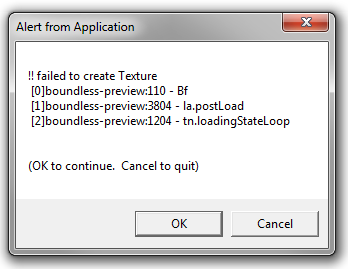
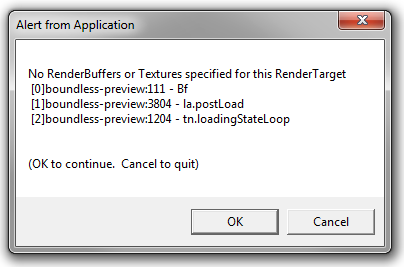
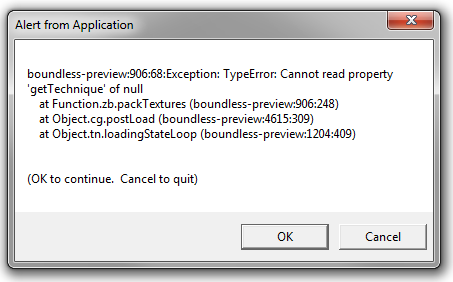
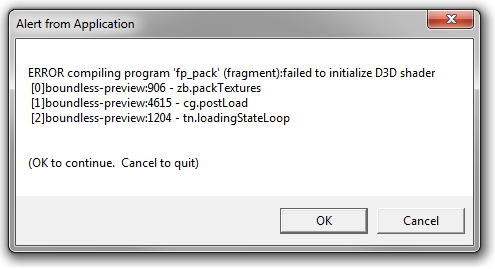
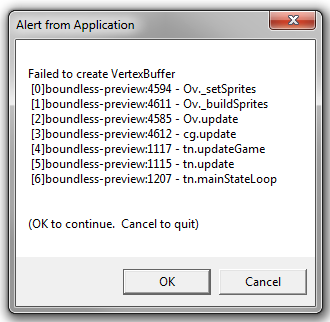
A possibility is something in Windows Updates has broken it or exposed an issue. We will look in to the code that failing to see if there is anything obvious.
Reverting to 361.43 did not work. I also noticed that the game is trying to start in full screen mode. Windowed was the previous successful setting. I never changed this, might be related.
i have no windows update, and no other software updates. and i have no hardware change. on 1 day i play boundless and next day it crashed. no change on my side. first change was after the crash, and this was only update the graphic driver, and had no effect.
Thanks. There seems to be a variety of ‘out of GPU memory’ types crashes occurring. The crashes do appear to happen shortly after its going full screen so we will review that code.
Is there anything unusual about your display, e.g.more than one screen or high resolution (4k)?
I’m running 361.75, with a 750 TI on Windows 10 and its ok for me so does not seem to be (purely) driver related.
It’s running for me too and i’m using 4x1080p Displays on 2 different GPUs (285GTX @ 2Gb G-DDR, 570GTX @ 4Gb G-DDR). I can use the game on all displays (even intersected between both GPUs). full-screen and windowed possible.
Two other things to try:-
a) In steam right click on Boundless->Properties->Disable the Steam Overlay in Game. If that does not help revert the change.
b) Do you have any streaming software, e.g. twitch, running. Is so try turning it off. Try closing all other apps to see if that make a difference.
Ok, so I looks like Steam pushed an update that either has introduced a bug in their overlay or our full screen code is not coping with something they are now doing.