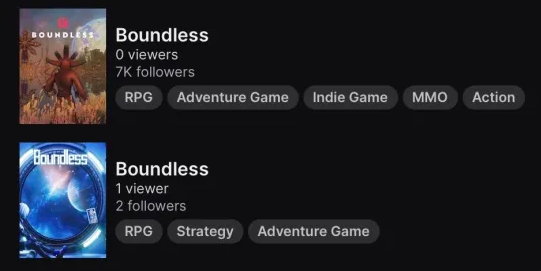
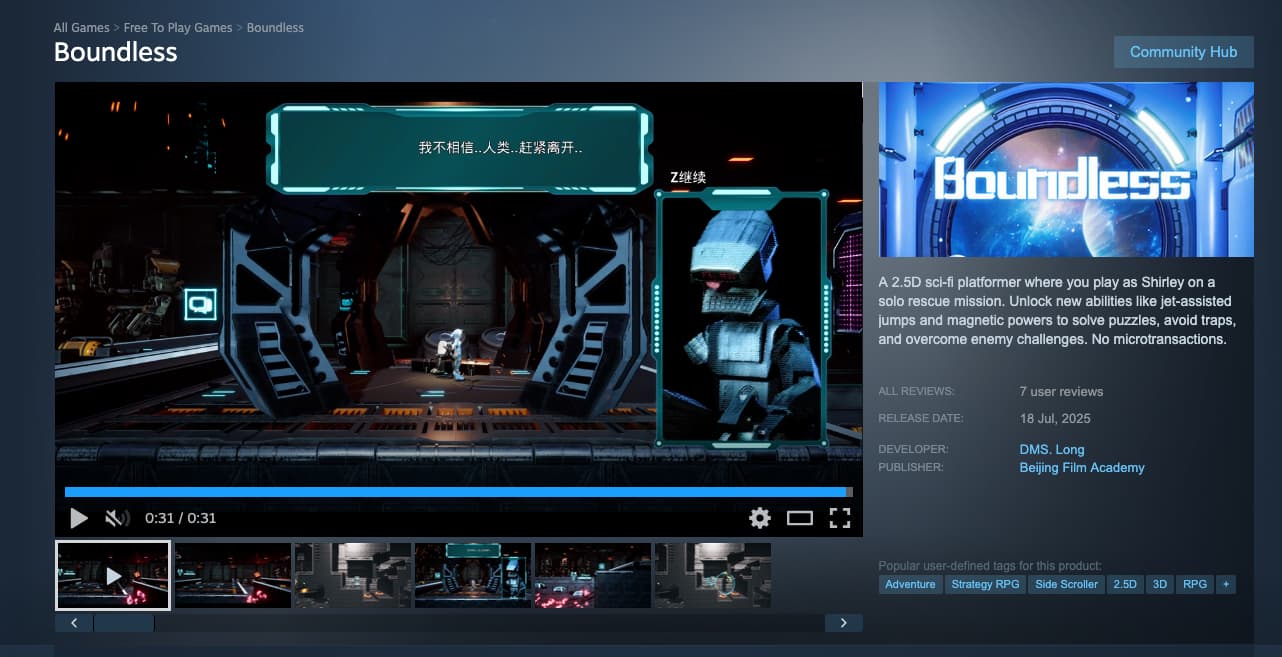
If i want to stream on twitch the game Boundless i can not do it under the Boundless category, The channel name seems to be taken by a Chinese game.
So every one that has a sub to the old Boundless category wont see anything there anymore.
here are some pictures about that.
3 Likes
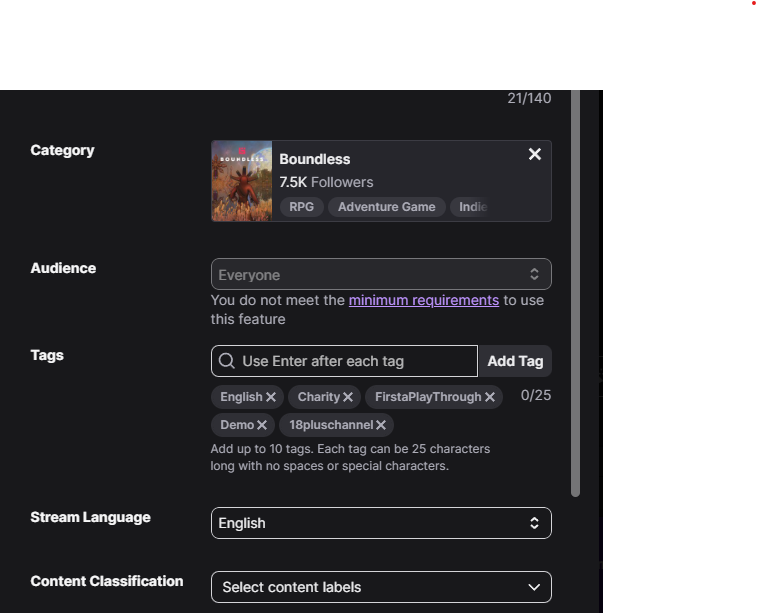
I saw the same thing, but when i click on that category i start streaming on the Chinese 1 not the old 1.
I’ve noticed this for awhile. Anyone who’s streaming boundless doesn’t show up that they are streaming it. Even when they have tagged it.
Just tested and me and Fortunist both show up in the right channel. Then it moved him to the wrong one lol!
3 Likes
On the ipad it fails to get the stream info on the right channel, i tried it on the imac and it seems to be good now.
Thanks to Wondernut for helping me with the matter…
4 Likes
Sounds like typical Twitch stuff.
Small indie company Amazon.
1 Like
Yes it continues to post under the Boundless(blue) on twtich. No videos under our Boundless.
Twitch Support Ticket
Your case number is 09982162. Keep an eye on your email inbox for a confirmation message from us. A member of our team will get in touch as soon as possible!
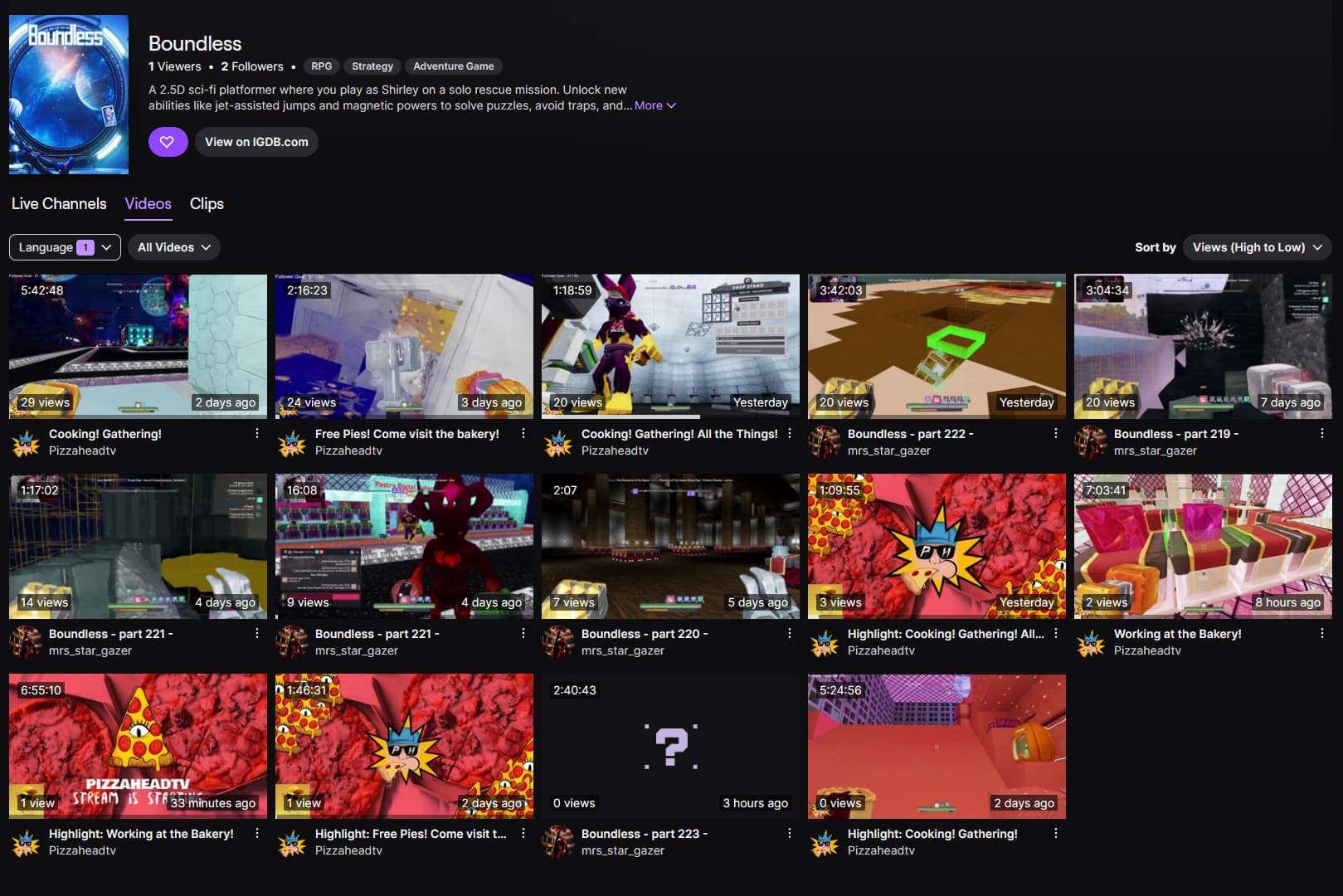
You have to select the correct one. There is also a thread on this.
We show up under the correct Boundless during streams, but after the streams are over all the vods post to the wrong Boundless. No VODs are listed under correct Boundless. They are all posted to Boundless(blue). I gave a screenshot. Twitch said their is an issue on their end.
I see one from eight months ago. You don’t see any?
It’s all good 
 Thanks
Pulled it up today and yours was in the right channel during stream but @cosmiccori was showing in the other channel.
1 Like
After chatting with Cosmiccori I think it is affecting PS streamers as they are connected to Twitch without any input. The PS sends the game info to Twitch and seems to be sending wrong Identifier. If you log into your Twitch account on another device or use another stream manager you should be able to change it in the Stream manger section.
2 Likes
Well there’s your problem… 
Just proved it Cosmi logged in with another device went to the Creator Dashboard/ Stream manager/ Pencil looking Icon/ General typed in and selected correct boundless channel while streaming and it took a minute but moved the stream to correct channel. I am on PC so didn’t have the issue. Glad we found the source of the issue. When Cosmi told me PS just connects them with no input it got me thinking that could be the issue. It is a work around for now. Hope it helps those streaming from PS.
5 Likes
Fantastic! Thanks for the research on it!
Yeah that’s is what I have been doing and sometimes it switches back. And I have do do that with every stream. It’s become a normal now.
2 Likes
@cosmiccori Just noticed your stream was tagged with that other Boundless again.