vdragon
February 13, 2017, 10:27am
64
Steggs101:
Had a look to see if this had been posted, I don’t think it has, but sorry if it’s already been bugged.
If you hold down LMB and scroll your mouse wheel, the game will crash.
I was using a Stone Hammer on LMB and had a Light Cube on RMB. Repro’d it 2/2, haven’t tried with anything else though.
Devs, if you need logs let me know how to get them to you.
We haven’t been able to reproduce it, does it occur 100% for you? You can send a log to us by creating a Gist or Pastebin version of it. Further instructions can be found here
vdragon
February 13, 2017, 10:32am
65
Can you provide coordinates so that we can take a look at it?
vdragon
February 13, 2017, 10:33am
66
boundmore:
Hate to be issue-spamming but I have noticed that working machinery animation tends to continue after crafting is finished. Issue doesn’t exist if the crafting process ends when I’m around the machine or interacting with it directly. However, if I leave the location where the working machine is placed and come back after it’s finished with crafting, the animation is still on and only stops after interacting with the machine.
What machines were being used in this case?
I noticed that with Refinery, Compactor and Workbench
I can provide it for a saved location I have and its within sight from the gleam stacks: - 1778; - 700
Heureka
February 13, 2017, 10:59am
69
I see the same, after mining all gleam and walk away, it still shine on long distance.
Wichall
February 13, 2017, 11:54am
70
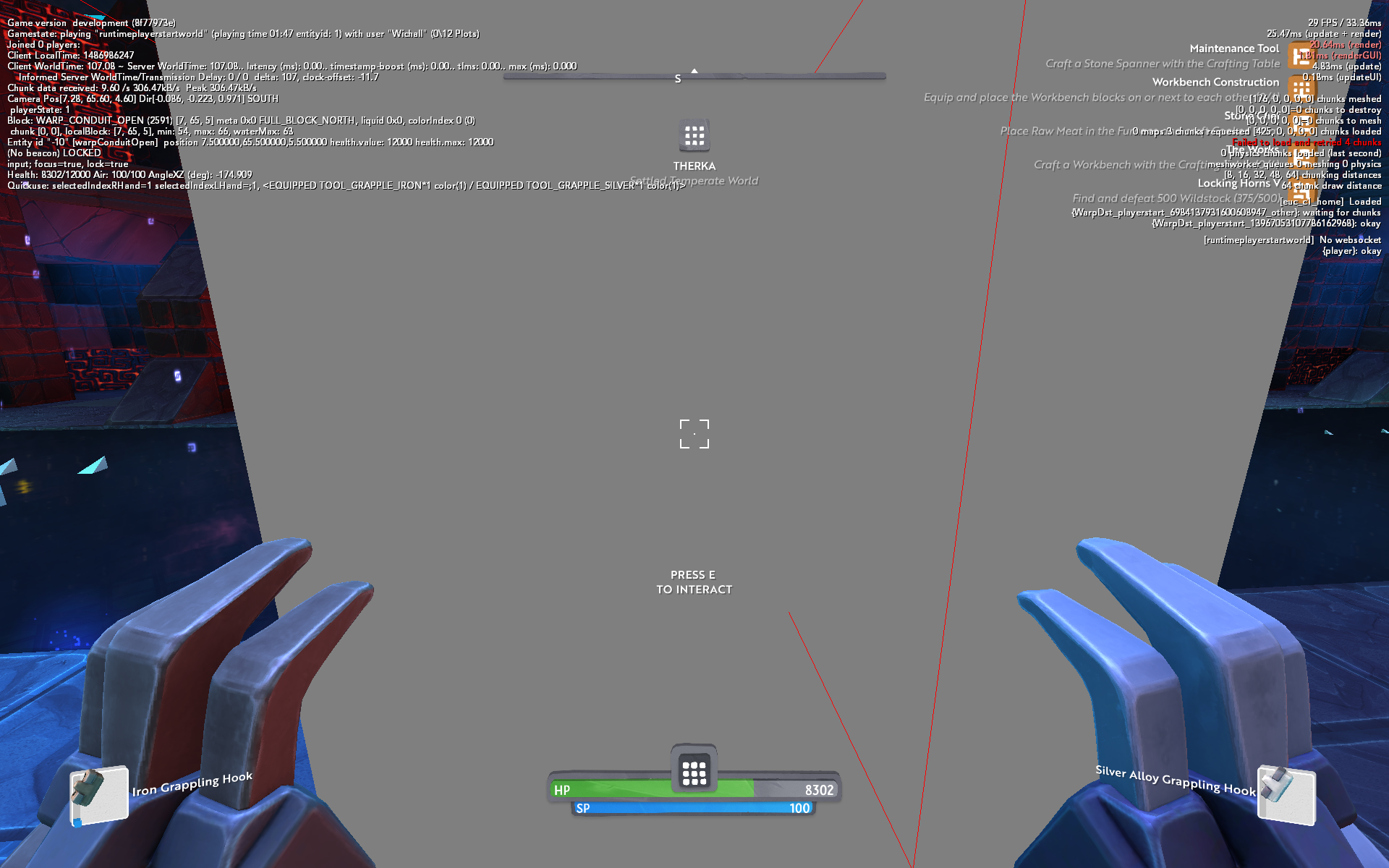
Getting occasional bad portal connections in the sanctum:
Second portal (trying to warp within Therka)
First portal still active (to Therka)
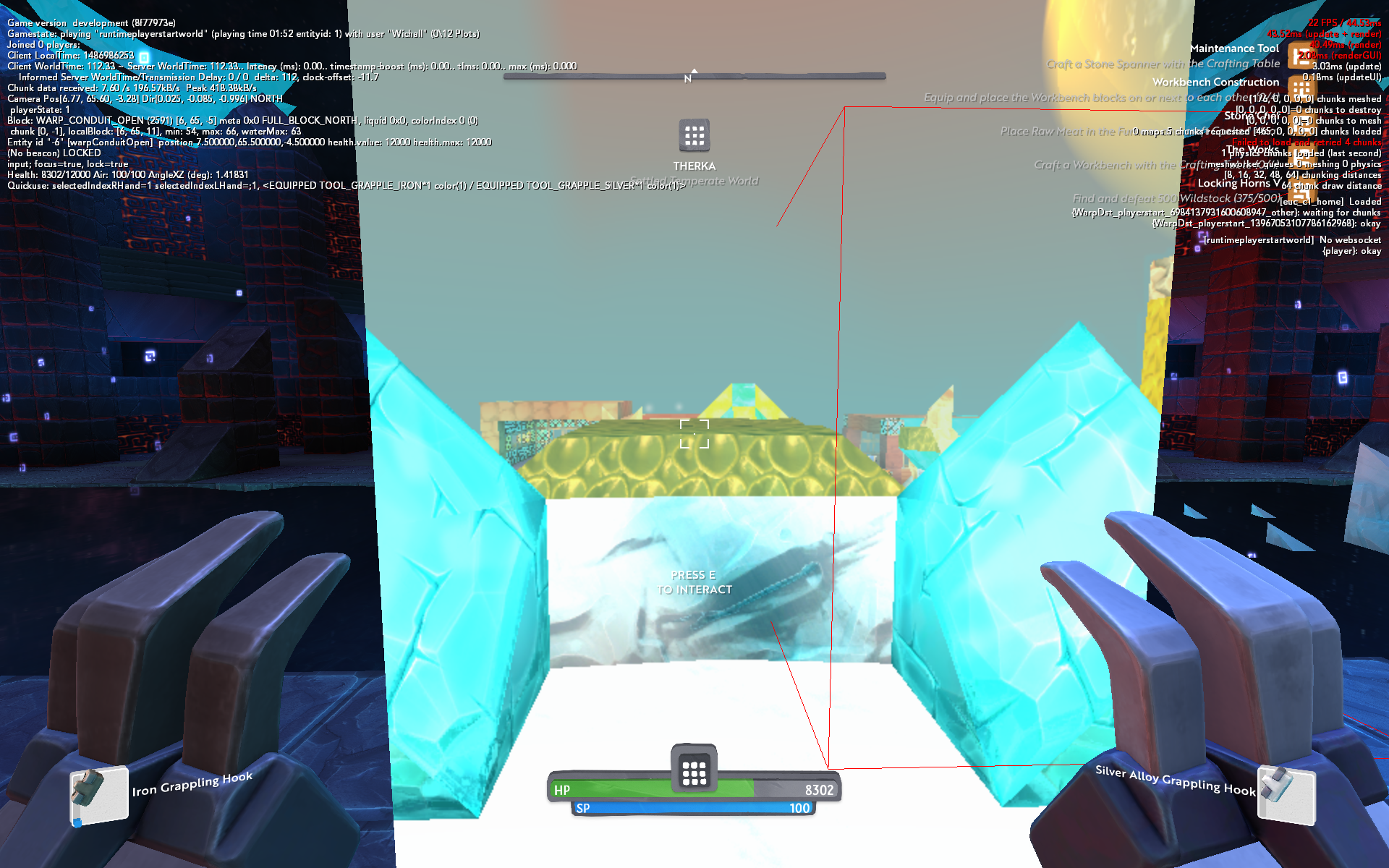
Second portal stays grey, eventually goes back to blue. Then if I try to use the second portal again, Boundless insta-quits.
1 Like
I have seen this on volupto. I beleave someone has hervested it all but it still shows up until you get close.
Wichall
February 13, 2017, 2:55pm
72
Another bug that’s been in a while but seems a little bit worse maybe:
When crouched i find myself falling off blocks more often than not when reaching a block edge. (Crouch is definitely active due to the slow walk speed)
Wichall
February 13, 2017, 3:37pm
73
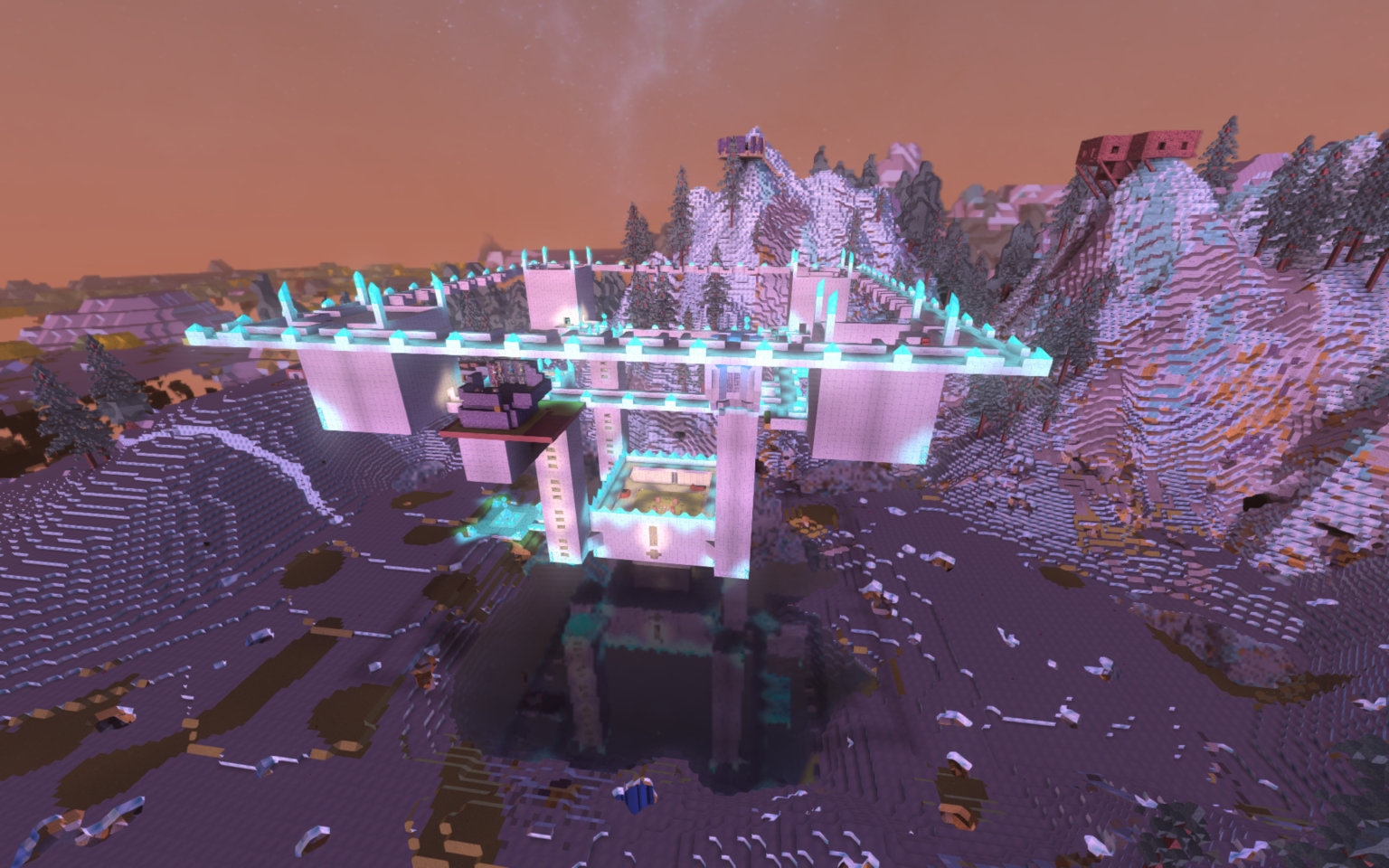
Very minor bug with lighting here, there’s a shadow going down the middle point of walls, you can see it on all of my towers:
vdragon
February 13, 2017, 4:24pm
74
Was that with any block or certain types of block?
vdragon
February 13, 2017, 4:30pm
75
Did this generate any logs and/or crash dumps for you?
Wichall
February 13, 2017, 4:41pm
76
Logs are already gone sorry!
Here’s the crash dump:
Wichall
February 13, 2017, 4:41pm
77
Crouching issue was with refined metamorphic stones
Hello I have the same issue, try to find the problem, it seems as long as you hold the LMB or RMB, when using a tool and changing the tools from the one you’re using to the grappling hook with the scroll wheel, game will crash instantly.
%LOCALAPPDATA%\Turbulenz\Boundless\boundless_log.txt
INFO ..\..\src\appbase\win\winentry.cpp:429 (turbulenz::WinNativeEntry::HostWndProc) WM_ERASEBKGND: erasing bg
INFO ..\..\src\browserfeatures\filecache.cpp:169 (turbulenz::FileCache::Initialize) Cache dir: C:\Users\dzcha\AppData\Local\Turbulenz\boundless\static-cache\
INFO ..\..\src\appbase\standaloneplatformreaders.cpp:568 (turbulenz::StandalonePlatform::SetHttpCachePath) HttpCache: enabled (C:\Users\dzcha\AppData\Local\Turbulenz\boundless\static-cache)
INFO ..\standalone\standalone.cpp:89 (turbulenz::oortonline::OortApplication::ApplicationStartup) GameCodeStaticInitialize
INFO ..\..\src\graphicsdriver\d3d11\d3d11context.cpp:342 (turbulenz::graphicsdriver::D3D11Context::Initialize) GPU INFO:
INFO ..\..\src\graphicsdriver\d3d11\d3d11context.cpp:343 (turbulenz::graphicsdriver::D3D11Context::Initialize) 1 devices:
INFO ..\..\src\graphicsdriver\d3d11\d3d11context.cpp:348 (turbulenz::graphicsdriver::D3D11Context::Initialize) 0: NVIDIA GeForce GTX 660 (Driver Ver: '21.21.13.7849', Date: '1-20-2017')
INFO ..\..\src\appbase\win\winentry.cpp:429 (turbulenz::WinNativeEntry::HostWndProc) WM_ERASEBKGND: erasing bg
INFO ..\..\src\graphicsdriver\d3d11\d3d11graphicsdriver.cpp:2771 (turbulenz::graphicsdriver::D3D11GraphicsDriver::Initialize) D3D11Info:
INFO ..\..\src\graphicsdriver\d3d11\d3d11graphicsdriver.cpp:2791 (turbulenz::graphicsdriver::D3D11GraphicsDriver::Initialize) Adapter : NVIDIA GeForce GTX 660
This file has been truncated. show original
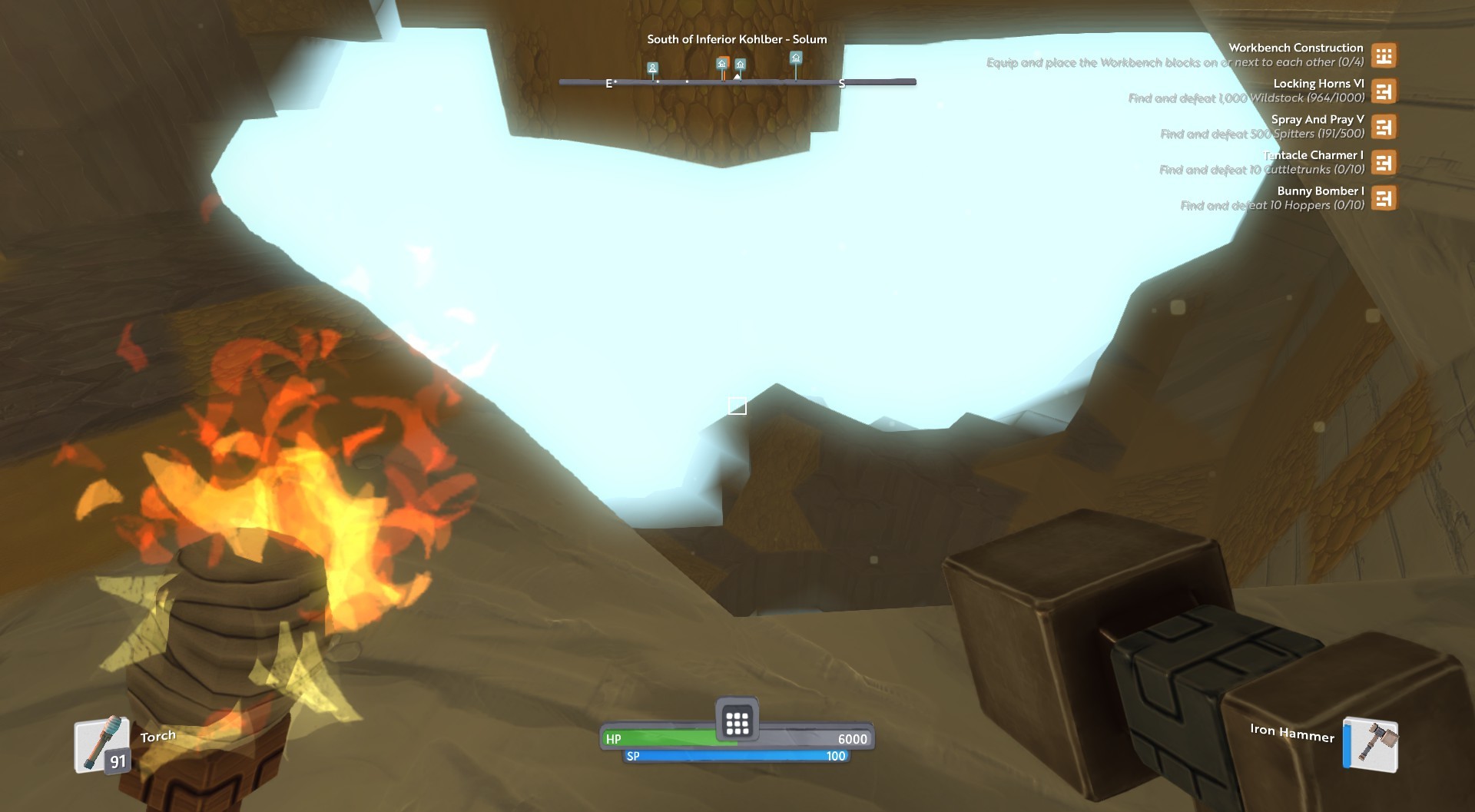
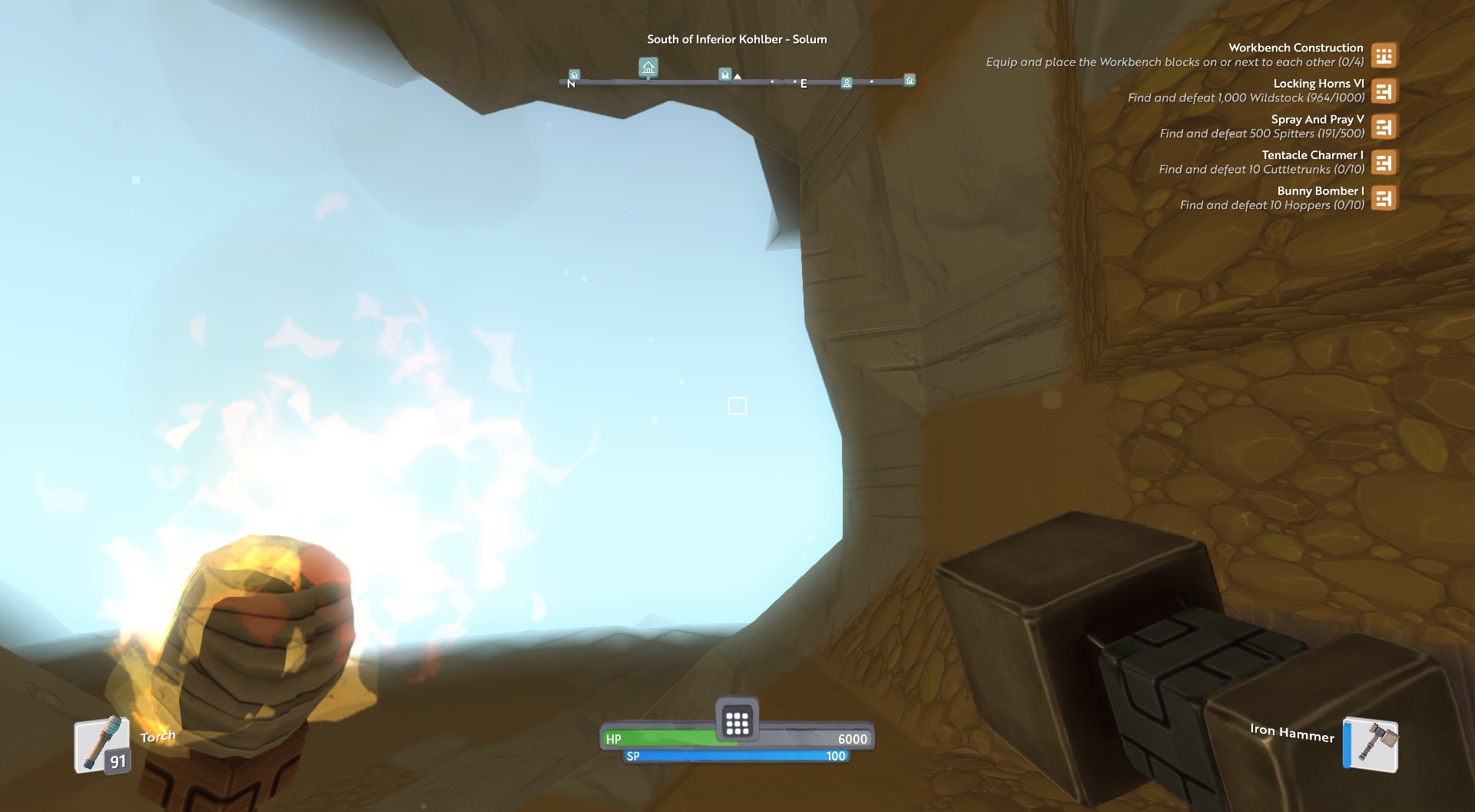
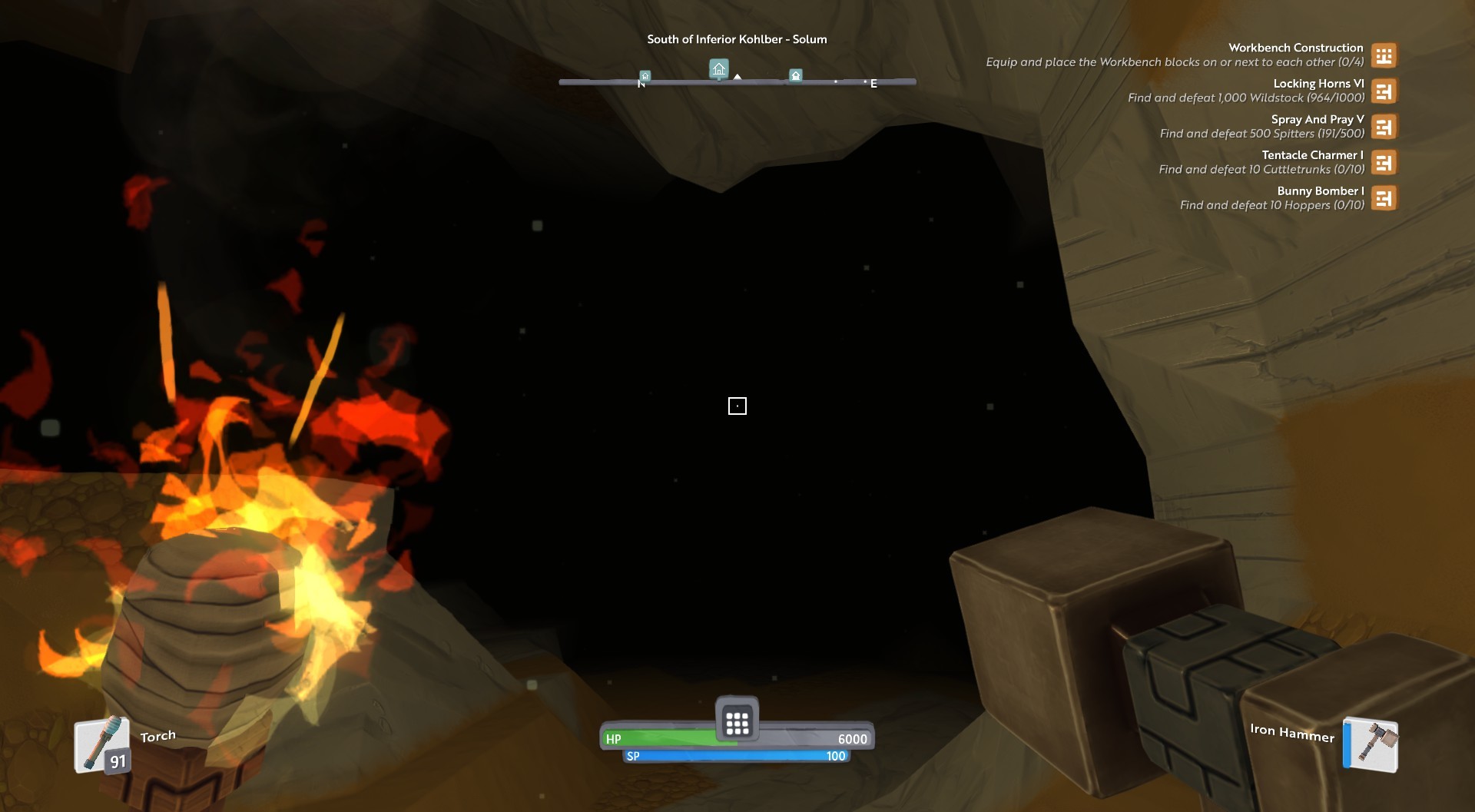
Today while mining I found a certain bug, while pointing to certain directions, here are some pictures.
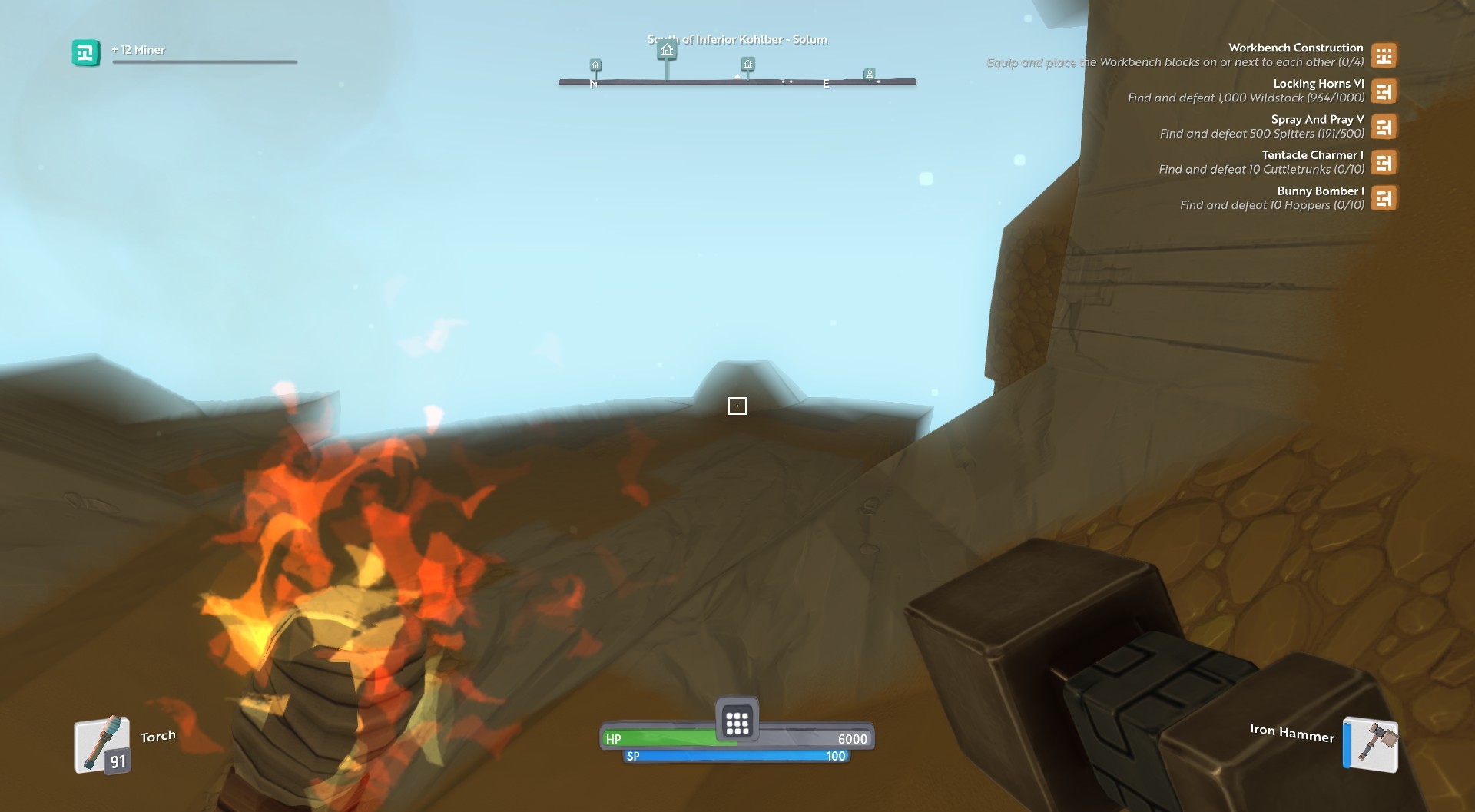
When in the same spot, but pointing a different direction
james
February 13, 2017, 8:26pm
80
This happens when a chunks is yet to finish loading. The engine reduces the fog distance to hide the missing chunk. Once the chunks load the fog rolls outwards. You can sometimes see this then the Warps first open.
Did the fog eventually vanish?
Wouldn’t know, didn’t stay long, it might have persisted for about 5 minutes before I left.
Whenever I try to launch, it barely initializes before crashing. It will say ‘preparing to launch Boundless’ then nothing happens. Nothing in my task manager either. It does not launch, so would it have generated a game log file?
I can still check
I have reinstalled Steam and everything.
blake
February 14, 2017, 8:56am
83
@TrueGormagon we do start logging things before anything appears visually so it may have logged something. If not there’s a few things we can check manually which have caused problems before although I believe we’ve already fixed all of those in the current version.